The Best Private Google Docs Alternatives in 2026 (End-to-End Encrypted)
I left Google Docs over privacy concerns. Here are three encrypted alternatives worth trying: Fileverse dDocs, CryptPad & Proton Docs.
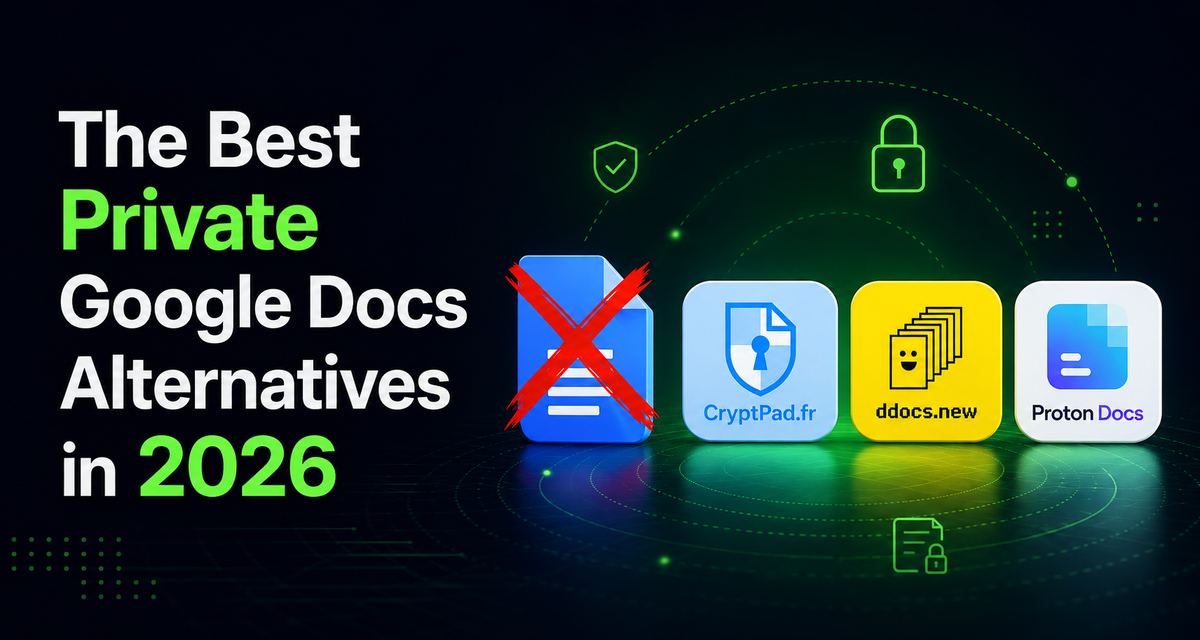
I left Google Docs about a year ago over a few key privacy issues: it isn't end-to-end encrypted, breaches are happening ALL the time, and Google's stance on scanning your content to train Gemini is very vague… The fact that Google can technically access anything I write on Google Docs doesn’t feel right at all. So I spent a while testing private encrypted alternatives to find one that actually works for me. Hopefully this saves you the time I sank into it!
Fileverse dDocs is the one that stuck for me. Despite being the more recent option, dDocs comes closest to Google Docs in terms of experience and features; it has very strong privacy guarantees, works offline, and the cherry on the cake: it has a proper dark mode. Other solid options include CryptPad, if you want a whole encrypted workspace (forms, sheets, kanban, whiteboard), and Proton Docs, if you already live in the Proton ecosystem and want everything under one login. All three editors are great options for privacy because they are fully end-to-end encrypted, so unlike Google Docs or Notion, the companies behind them can't read what you write.
Features Overview
| Editor | E2EE by default | Open source | Real-time collab | Works offline | Dark mode | Account required | Self-host | Who holds the keys |
|---|---|---|---|---|---|---|---|---|
| Fileverse dDocs | Yes | Yes | Yes | Yes | Yes | No | Yes | You |
| CryptPad | Yes | Yes | Yes | Limited | Partial | No | Yes | You |
| Proton Docs | Yes | Partially | Yes | No | No | Yes | No | You |
| Google Docs | No | No | Yes | Limited | No | Yes | No | |
| Notion | No | No | Yes | No | Yes | Yes | No | Notion |
Fileverse dDocs
Fileverse dDocs is the one I write in now, because feature-wise it's the closest thing to Google Docs I've come across. Everything I was used to is there: real-time collaboration, granular access permissions (suggest, edit, comment), version history, and the familiar formatting. On top of that, it adds a few things Google never shipped, for example: a genuine dark mode (hallelujah!), and a distraction-free focus mode (quite useful for writers). If you write anything technical it does Markdown, LaTeX, and even Mermaid diagrams. Fileverse dDocs works on different devices (desktop & mobile) and syncs between them. And one of the things that won me over: it works really well offline.
On the privacy side, everything is end-to-end encrypted before it leaves your device, so Fileverse itself can't read a word of what you write. Access permissions are handled via zero-knowledge proofs (to hide the identities of collaborators). The app can also be used without an account for full anonymity. Finally, there is a cool walkaway page where you can recover all your documents independently of Fileverse if the app itself ever goes down (pretty reassuring feature for a newer project like this).
Use it if: you want the closest thing to Google Docs with full encryption and that works offline.
CryptPad
CryptPad offers its document editor as part of its encrypted workspace. Alongside documents, you get spreadsheets, slides, forms, kanban boards and a whiteboard. It feels closer to Microsoft Word than to Google Docs, since the editor is built on OnlyOffice. You get that familiar ribbon-toolbar, Word-like feel, so it takes a little getting used to if you're coming from Google Docs. On the plus side, it also covers most of the essential features you want in an editor: real-time collaboration, comments, and version history. It holds up pretty well once you've gotten used to it. Two caveats: it does tend to lag a little if you're working on heavy docs, and the offline mode is very limited.
Like the other options listed here, CryptPad's privacy infrastructure is very strong. All the content is end-to-end encrypted, with users owning the encryption keys. And like Fileverse, CryptPad is fully open-source, so all the privacy claims can be verified in the code.
Use it if: you want a completely encrypted workspace and don't mind trading speed for powerful privacy guarantees.
Proton Docs
Proton Docs comes from the team behind Proton Mail and Proton VPN (two tools I love and use daily!). It was released as part of Proton Drive, the editor it's quite clean and stable, so if you already pay for Proton it slots nicely into the privacy suite. As opposed to CryptPad and similar to Fileverse dDocs, the editor is quite close to Google Docs in terms of feel and experience. It offers real-time collaboration, comments, and the usual formatting Google Docs users are familiar with.
Considering I already use a few Proton tools which I'm very happy with, I might have switched to it if it wasn't for the fact that it doesn't work offline. I tend to travel very often, so not being able to work without an internet connection is a deal-breaker.
Proton's privacy foundations are strong, and like the other alternatives here everything is end-to-end encrypted, so even Proton can't read your documents. The one caveat: unlike Fileverse dDocs and CryptPad it's only partially open source, so you can't fully verify every claim in the code.
Use it if: you're already in Proton's ecosystem, and you don't need to write offline.
Each of these three editors has its pros & cons, but they are all a real upgrade on Google Docs if privacy matters to you. Whichever one you choose to adopt, your work will be fully protected by end-to-end encryption. So you can stop trading your privacy for productivity.
FAQ
Can Fileverse dDocs, CryptPad, & Proton Docs do real-time collaboration if they're encrypted?
All three let multiple people edit at once, live, without the company being able to read the document. It's much harder to build than it sounds, which is why this category of editors is narrow!
Will any of them train AI on what I write?
That's the point of end-to-end encryption: the company cannot read your text, so by extension it cannot feed it to a model.
Are these alternatives free?
All three have a genuinely usable free tier. With Fileverse dDocs and CryptPad, you can even start writing with no account at all.